
What Is Traffic Targeting?
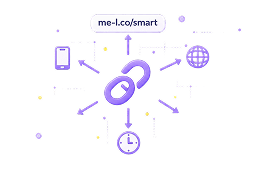
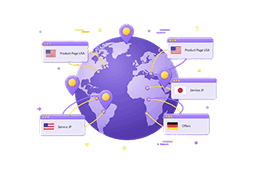
Traffic Targeting lets you split visitors between multiple destination URLs. Set a percentage for each destination — and ME-Short-Link routes each visitor automatically. This helps you test different pages, offers, or flows from one smart link.
How It Works
Set up traffic split in four simple steps.
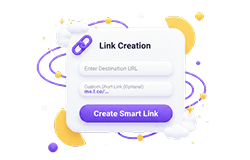
Create A Short Link
Go to your ME-Short-Link dashboard and create a new short link.
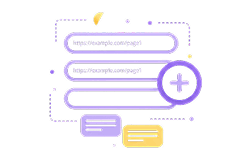
Add Destination URLs
Add two or more destination URLs that you want to split traffic between.
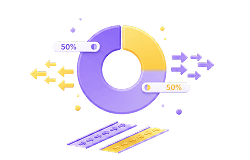
Set Traffic Split Rules
Assign a percentage to each destination. Rules must total 100%.
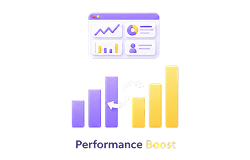
Compare Performance
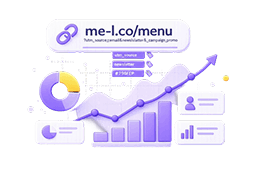
Share the link, then compare results in your analytics or UTM tracking tool.
What Can You Test?
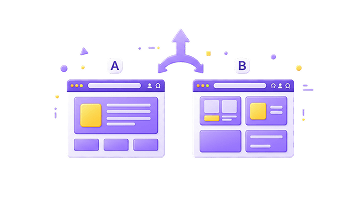
Landing Pages
Test two versions of a landing page to see which drives more clicks or conversions.
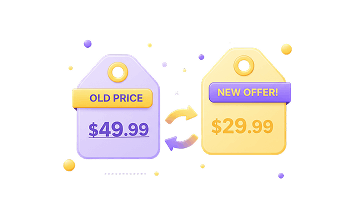
Offers
Compare different promotions, discounts, or value propositions side by side.
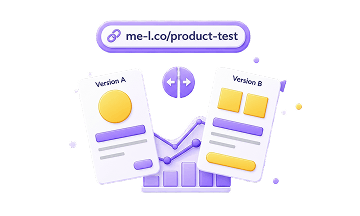
Product Pages
Split traffic between product page variants to identify the better performer.
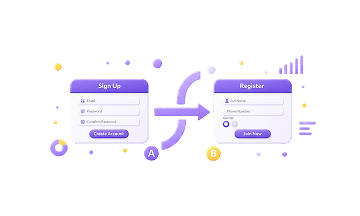
Signup Flows
Test different onboarding or registration flows from a single campaign link.
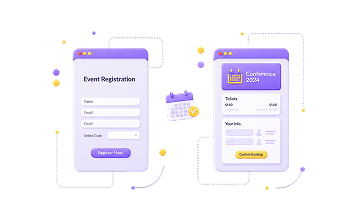
Event Pages
Route traffic to different event registration pages and compare sign-up rates.
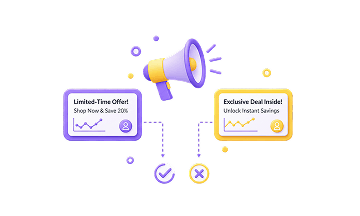
Campaign Messages
Test different ad messages by routing traffic to matching landing pages.
Best Use Cases For Traffic Targeting
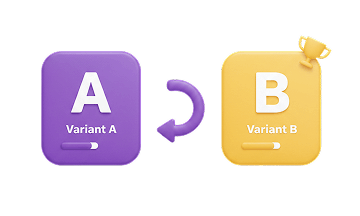
A/B Testing Campaigns
Run simple split campaigns across ads, email, or social without extra tools.
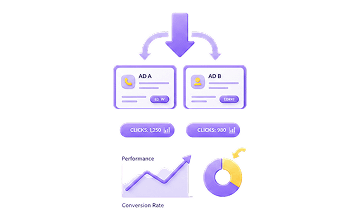
Paid Ads
Test ad destinations without duplicating campaigns — one link, two pages.
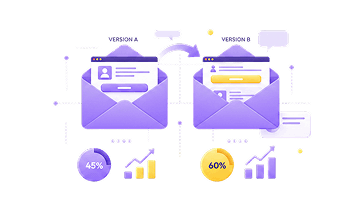
Email Campaigns
Split your audience to compare email landing pages with a single link.
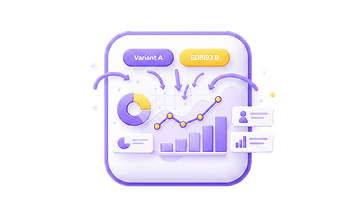
Product Launches
Test launch page variants with real traffic before committing to one.
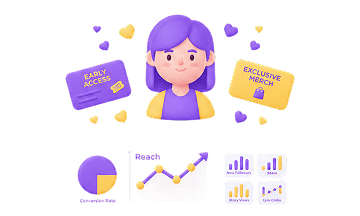
Creator Promotions
Route followers to different offers and see which resonates more.
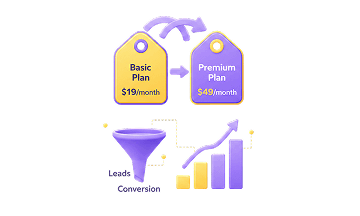
Business Offers
Compare two offer pages to identify which drives more leads or sales.
Traffic Targeting Is A Premium Feature
Traffic Targeting is available with Premium as part of Smart Links. Free and Lite users can create short links, but traffic split rules are locked until you upgrade.
Traffic Targeting locked
Create short links and track clicks. Upgrade to unlock Traffic Targeting.
Traffic Targeting locked
Create short links and track clicks. Upgrade to unlock Traffic Targeting.
Traffic Targeting available
Split traffic between any destination URLs by percentage.
Explore Related Features
More tools to measure and optimize your short link campaigns.
Traffic Targeting FAQ
What is Traffic Targeting?
Traffic Targeting lets you split visitors between multiple destination URLs from one smart link.
Can I split traffic between two URLs?
Yes. With Premium, you can split traffic between different destination URLs, such as landing page A and landing page B.
Can I use Traffic Targeting for A/B testing?
Yes. Traffic Targeting can be used for simple A/B testing of pages, offers, or campaign destinations.
Is Traffic Targeting available for free?
No. Traffic Targeting is a Premium feature and is part of Smart Links.
Is this a full experimentation platform?
No. Traffic Targeting is designed for simple traffic splitting between destination URLs. It should not be positioned as a full experimentation or conversion testing platform.
What can I test with Traffic Targeting?
You can test landing pages, offers, product pages, signup flows, event pages, campaign messages, or different customer journeys.
How can I compare destination performance?
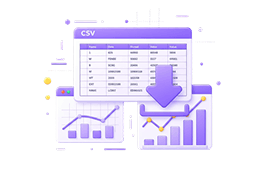
You can review link analytics to understand how traffic behaves after using different destination rules. Premium users can also export analytics data for deeper analysis.