
What is Geo Targeting?
Geo Targeting lets you redirect visitors to different destination URLs based on their country. One short link automatically sends each visitor to the page that matches their location — without manual setup or separate links per region.
How It Works
Set up country-based redirects in four simple steps.
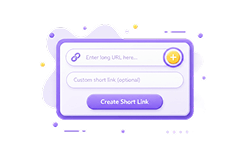
Create A Short Link
Go to your ME-Short-Link dashboard and create a new short link.
Enable Geo Targeting
Open link settings and enable Geo Targeting under Premium features.
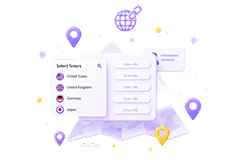
Select Countries And URLs
Choose target countries and assign a destination URL for each one.
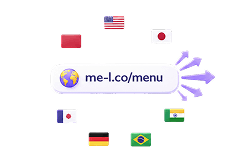
Share One Link Across Regions
Publish one short link globally. Each visitor is routed by country automatically.
Why Use Geo Targeting?
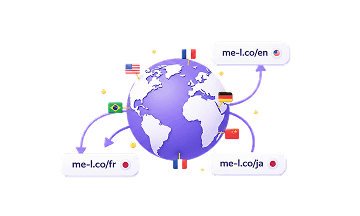
Local Landing Pages
Route each country to a page in their language, currency, and context.

Country-Specific Offers
Promote region-exclusive deals and discounts to the right audience automatically.
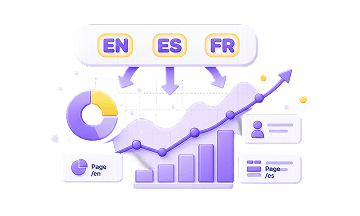
Language-Based Pages
Send users to the correct language version of your site without extra links.
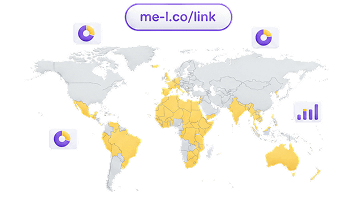
Regional Campaigns
Run country-specific marketing campaigns with a single short link.
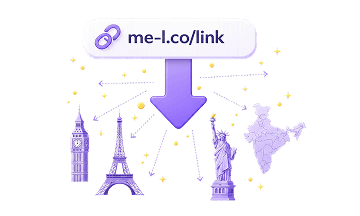
International Ads
Use one campaign link that adjusts the destination URL by user location.
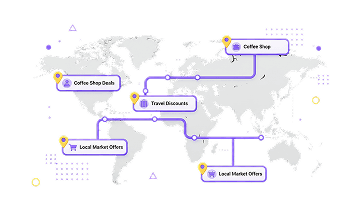
Localized Journeys
Give each region a tailored experience from the very first click.
Best Use Cases For Geo Targeting
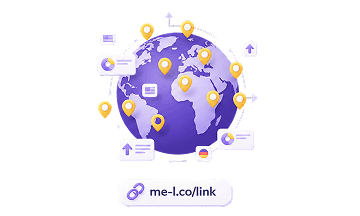
Global Campaigns
One link works across all markets. Each country is sent to the right page.

Ecommerce Offers
Show country-specific pricing, shipping info, or promotions automatically.

SaaS Landing Pages
Route visitors to localized sign-up or feature pages by region.
Event Promotions
Direct local audiences to regional event pages or registration forms.
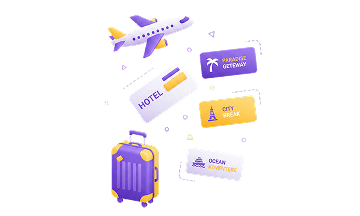
Travel And Hospitality
Show offers relevant to the user's country or booking region.
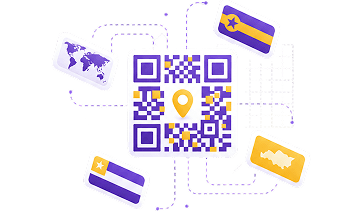
QR Campaigns By Region
Print one QR code that routes visitors to the right page by their location.
Geo Targeting Is A Premium Feature
Geo Targeting is available with Premium as part of Smart Links. Free and Lite users can create short links, but country-based redirects are locked until you upgrade.
Geo Targeting locked
Create short links and track clicks. Upgrade to unlock Geo Targeting.
Geo Targeting locked
Create short links and track clicks. Upgrade to unlock Geo Targeting.
Geo Targeting available
Select any countries and assign destination URLs for each one.
Explore Related Features
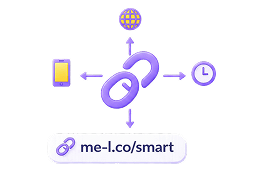
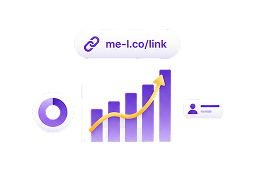
More Smart Link features to control where your links take people.

Geo Targeting FAQ
What is Geo Targeting?
Geo Targeting lets you redirect visitors to different destination URLs based on their country.
Can I redirect users by country?
Yes. With Premium, you can set country-based redirect rules for your smart links.
Is Geo Targeting available for free?
No. Geo Targeting is a Premium feature and is part of Smart Links.
Can I set a default destination?
Yes. You should set a default destination for visitors who do not match any selected country rule.
What can I use Geo Targeting for?
Geo Targeting is useful for international campaigns, country-specific offers, multilingual pages, regional promotions, ecommerce campaigns, and localized customer journeys.
Can I use Geo Targeting for QR campaigns?
Yes. If a QR code leads to a smart short link, users can be redirected based on country rules after scanning.
Does Geo Targeting replace translated landing pages?
No. Geo Targeting helps route users to the right destination, but the destination pages themselves should still be prepared separately.