Short Link Not Working? How to Find and Fix the Problem
Keep your short links working with ME-Short-Link. Create short URLs, update destinations, and track clicks with built-in analytics.


- Why Is Your Short Link Not Working?
-
7 Common Short Link Problems and How to Fix Them
- 1. The Destination URL Is Incorrect
- 2. The Short Link Was Copied Incorrectly
- 3. The Short Link Has Expired or Been Disabled
- 4. The Destination Website Is Unavailable
- 5. Browser or Network Settings Are Blocking the Redirect
- 6. The URL Shortening Service Is Experiencing Technical Issues
- 7. The Link Is Blocked by a Security System
- Quick Troubleshooting Checklist
- How to Prevent Short Links from Breaking
- When Should You Create a New Short Link?
- Final Thoughts
- Frequently Asked Questions
Short links make it easier to share long URLs across social media, emails, advertisements, and printed materials. However, sometimes a short link stops working. It may lead to an error page, redirect to the wrong destination, or fail to open altogether.
A broken short link can interrupt a marketing campaign, prevent customers from accessing important information, and create a frustrating experience for visitors.
The good news is that many short-link problems have simple explanations and can be fixed without technical knowledge.
In this guide, we'll explore the most common reasons why short links stop working and explain how to troubleshoot them.
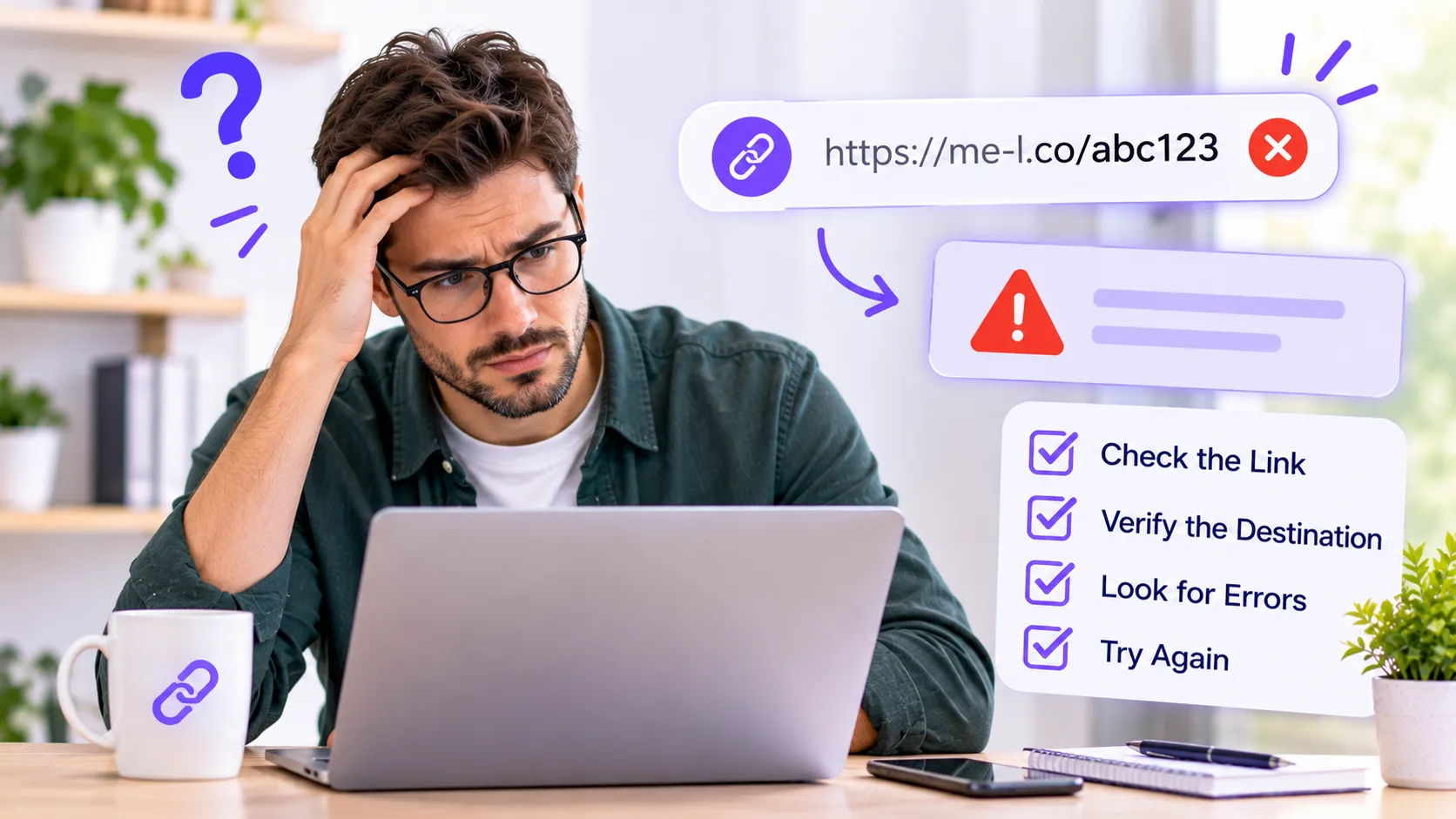
Why Is Your Short Link Not Working?
A short link usually works by redirecting visitors from a shortened URL to its original destination. If something goes wrong with the link, redirect, or destination page, visitors may not reach the expected content.
Here are some common reasons why a short link might fail:
- The destination URL is incorrect or unavailable.
- The short link was copied or shared incorrectly.
- The link has expired or been disabled.
- The shortening service is experiencing technical issues.
- The destination website blocks certain redirects.
- Browser settings or network restrictions prevent the link from opening.
Identifying the cause is the first step toward fixing the problem.
7 Common Short Link Problems and How to Fix Them
1. The Destination URL Is Incorrect
One of the most common reasons a short link does not work is an incorrect destination URL.
If the original address contains a typo, missing characters, or an incorrect page path, the short link may redirect visitors to an error page or an unrelated destination.
How to fix it:
- Open the original destination URL directly.
- Check the spelling and structure of the address.
- Make sure the page exists and is publicly accessible.
- Update the destination if the original URL is incorrect.
If your shortening service supports editable links, you can change the destination without creating a new short URL.


2. The Short Link Was Copied Incorrectly
Short URLs are usually compact, but they can still be copied incorrectly. A missing character, an extra space, or a punctuation mark at the end of a link can prevent it from opening.
This can happen when links are copied from documents, messages, social media posts, or other applications.
How to fix it:
- Copy the original short link again.
- Check that the entire URL is included.
- Remove accidental spaces or punctuation.
- Paste the link into your browser's address bar.
If the link works after copying it again, the problem was likely caused by formatting or an incomplete URL.
3. The Short Link Has Expired or Been Disabled
Some URL shortening services allow links to have expiration dates or administrative restrictions. A link may stop working if it reaches its expiration date, is manually disabled, or is removed by the service.
How to fix it:
- Check whether the link has an expiration date.
- Sign in to your account if link management requires authentication.
- Review the link's current status.
- Contact the service provider if you cannot determine why it was disabled.
If the link is no longer active, you may need to create a replacement and update it wherever it was shared.

4. The Destination Website Is Unavailable
Sometimes the short link works correctly, but the destination website does not.
The original page may have been deleted, moved, temporarily taken offline, or restricted. In this situation, the problem is not necessarily related to the URL shortener.
How to fix it:
- Open the destination URL directly.
- Check whether the website is loading.
- Look for error messages such as 404 Not Found or 503 Service Unavailable.
- Contact the website administrator if the page is unavailable.
If the page has moved, update the short link to point to the new address, provided you have permission to manage it.
5. Browser or Network Settings Are Blocking the Redirect
Browser extensions, security settings, firewalls, and network restrictions can sometimes interfere with redirects.
For example, a privacy extension may block certain requests, or a company network may restrict access to specific domains.
How to fix it:
- Open the link in another browser.
- Try using a private or incognito window.
- Temporarily disable extensions that may interfere with redirects.
- Clear your browser cache and cookies.
- Test the link using another network or device.
If the short link works elsewhere, the issue may be related to your browser or network configuration.
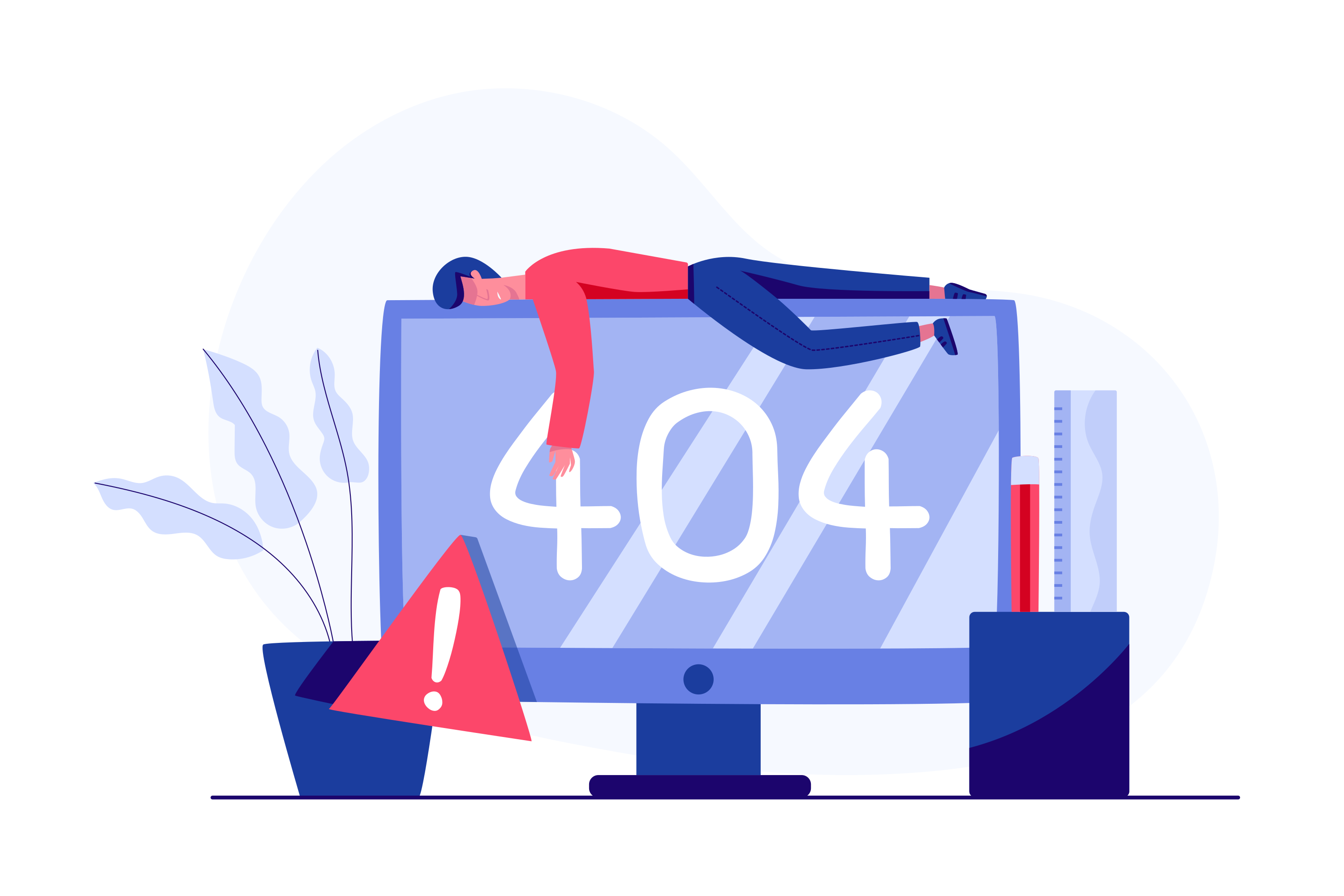

6. The URL Shortening Service Is Experiencing Technical Issues
A URL shortening service needs to remain operational to process redirects. If its servers experience downtime or technical problems, short links hosted on that service may temporarily stop working.
How to fix it:
- Check the provider's official status page, if available.
- Try opening the short link again later.
- Test several links from the same service.
- Contact customer support if the issue continues.
If multiple short links from the same provider fail at the same time, the problem may be service-related rather than linked to an individual URL.
7. The Link Is Blocked by a Security System
Some browsers, email providers, messaging applications, and security tools scan URLs before allowing users to open them.
A short link may be flagged if its domain or destination is associated with suspicious activity, phishing, or malware. Shared short-link domains can also make it harder for recipients to identify the final destination.
How to fix it:
- Check the destination URL and make sure it is safe.
- Review any security warnings before proceeding.
- Use a reputable URL shortening service.
- Avoid sending visitors to suspicious or misleading pages.
- Contact the relevant platform if you believe the link was incorrectly flagged.
Never ask visitors to bypass a security warning just to open a short link.

Quick Troubleshooting Checklist
If you need to identify a broken short link quickly, use this checklist before creating a replacement.
|
What to Check |
What to Do |
Possible Problem |
|
Short URL format |
Copy and paste the complete link |
Missing characters or extra spaces |
|
Destination URL |
Open the original address directly |
Incorrect or unavailable destination |
|
Link status |
Check the link in your management account |
Expired or disabled link |
|
Browser |
Test in another browser or private window |
Browser settings or extensions |
|
Network |
Try another connection or device |
Network restrictions |
|
URL shortening service |
Check its status or contact support |
Temporary service outage |
|
Security warning |
Review the warning and destination |
Link blocked or flagged |
This checklist can help you narrow down the cause before spending time on more complicated troubleshooting.
How to Prevent Short Links from Breaking
Fixing a broken link is important, but preventing problems in the first place can save time and protect the visitor experience.
Follow these practices when creating and managing short URLs.
Test Links Before Sharing Them
Always open a newly created short link before publishing it. Confirm that it redirects to the correct page and works on both desktop and mobile devices.
This is especially important for links included in advertisements, email campaigns, and printed materials.
Keep Destination URLs Updated
Websites change over time. Pages may be moved, products discontinued, or promotional landing pages replaced.
If your URL shortening service supports editable destinations, update the existing link whenever the original page changes. This allows you to keep using the same short URL instead of replacing it everywhere.


Use a Reliable URL Shortening Service
Choose a service that provides stable redirects, link management, and useful troubleshooting options.
Analytics can also help you monitor link activity and identify unexpected changes in clicks. For example, a sudden drop in traffic may be worth investigating if a campaign is still active.
Avoid Unnecessary Link Changes
Changing or replacing short links too frequently can create confusion, especially when they have already been shared across multiple platforms.
Keep existing links active whenever possible, and update their destinations instead of creating new URLs without a clear reason.
Keep Track of Important Links
Maintain a record of short URLs used in important campaigns. Include their destinations, publication channels, and campaign details.
This makes it easier to find and update links when something changes.
When Should You Create a New Short Link?
Not every broken short link needs to be replaced. In many cases, correcting the destination or fixing a browser issue is enough.
However, creating a new short URL may be necessary when:
- The original short link has been permanently disabled.
- The shortening service no longer supports the link.
- The link contains an incorrect identifier that cannot be changed.
- The original URL was created incorrectly and cannot be edited.
- You need a separate link for a new campaign or audience.
Before creating a replacement, check whether the original link can be repaired. This is particularly important if it has already been included in printed materials, advertisements, or widely shared posts.

Final Thoughts
A short link that does not work can have several causes, from a simple copying mistake to an unavailable destination or a temporary service outage.
Start by checking the short URL, opening the original destination, and testing the link in another browser or network. If the problem persists, review the link's status and check whether the shortening service is experiencing technical issues.
To prevent future problems, test links before sharing them, keep destinations updated, and use a service that supports reliable redirects and link management.
With regular checks and proper link management, you can keep your short URLs working and make sure visitors reach the pages they expect.
Frequently Asked Questions
A 404 error usually means that the destination page cannot be found. The original page may have been deleted, moved, or entered incorrectly. Check the destination URL and update it if necessary.


Was This Article Helpful?
Click on a star to rate it!
Thank you for your vote!
Average Rating: 5/5 Votes: 2
Be the first to rate this post!

Expert in backend development and database architecture. Specializes in building, optimizing, and maintaining scalable PHP applications, designing efficient database structures, and ensuring data integrity and performance. Experienced in working with relational databases, writing optimized queries, and integrating backend systems with APIs and business logic to support reliable, high-performance web solutions.
View LinkedIn Profile