
What Is Mobile Targeting?
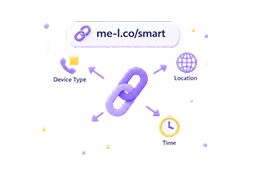
Mobile Targeting lets you redirect visitors to different destinations based on their device type or operating system. One short link sends iOS users to the App Store, Android users to Google Play, and desktop users to your website — automatically.
How It Works
Set up device-based redirects in four simple steps.
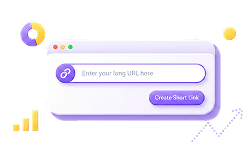
Create A Short Link
Go to your ME-Short-Link dashboard and create a new short link.
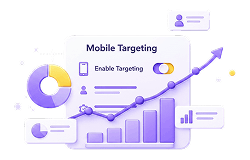
Enable Mobile Targeting
Open link settings and enable Mobile Targeting under Premium features.
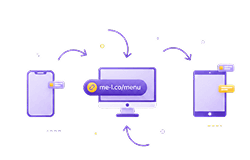
Set Destinations By Device
Assign different URLs for mobile, desktop, iOS, Android, or tablet users.

Share One Smart Link
Publish a single short link. Each visitor is routed to the right destination automatically.
Common Destinations By Device
Map each device type to the most relevant destination for your users.
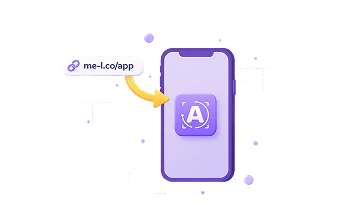
iOS users → App Store
Send iPhone and iPad users directly to your iOS app listing in the App Store.
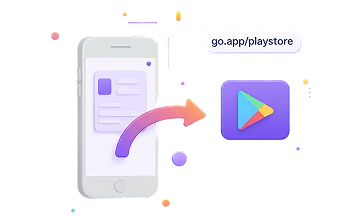
Android → Google Play
Route Android users to your app on Google Play with a single tap.
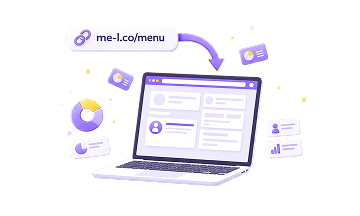
Desktop users → Website
Send desktop visitors to your main website or landing page automatically.

Mobile users → Mobile Landing Page
Direct all mobile visitors (regardless of OS) to a mobile-optimized landing page.
Tablet users → Default Page
Route tablet users to a dedicated experience or fallback to your default URL.
Best Use Cases For Mobile Targeting
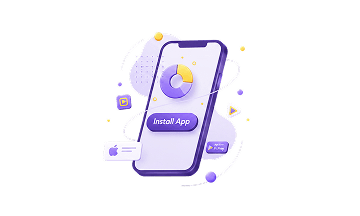
App Campaigns
Use one link across all app install ads — users land on the right store automatically.
Product Launches
Launch on iOS and Android simultaneously with a single campaign link.
Mobile Landing Pages
Send mobile users to faster, mobile-first landing pages for better conversion.
Creator Links
One link in bio sends fans to the right platform based on their device.

QR Campaigns
Print one QR code that routes iOS users to App Store and Android to Google Play.
Paid Ads
Improve ROAS by making sure every ad click lands on the right app store or page.
Mobile Targeting Is A Premium Feature
Mobile Targeting is available with Premium as part of Smart Links. Free and Lite users can create short links, but device-based redirects are locked until you upgrade.
Mobile Targeting locked
Create short links and track clicks. Upgrade to unlock Mobile Targeting.
Mobile Targeting locked
Create short links and track clicks. Upgrade to unlock Mobile Targeting.
Mobile Targeting available
Set iOS, Android, and desktop destinations for any short link.
Explore Related Features
Everything you need to build and track effective short link campaigns.


Mobile Targeting FAQ
What is Mobile Targeting?
Mobile Targeting lets you redirect visitors to different destination URLs based on their device type or operating system.
Can I redirect iOS and Android users differently?
Yes. With Premium, you can set different destinations for users based on device type or operating system.
Can I use one link for app and web users?
Yes. You can use one smart link and send mobile users to an app page while desktop users open a website or landing page.
Is Mobile Targeting available for free?
No. Mobile Targeting is a Premium feature and is part of Smart Links.
What can I use Mobile Targeting for?
Mobile Targeting is useful for app campaigns, product launches, mobile landing pages, paid ads, QR campaigns, and links shared across mixed audiences.
Does Mobile Targeting work with QR codes?
Yes. If a QR code leads to a smart short link, users can be redirected based on device rules after scanning.
What happens if no device rule matches?
Users should be sent to the default destination URL configured for the smart link.