Short Links vs QR Codes
Short links and QR codes are not competing formats. They can be part of the same workflow. A short link provides a compact, manageable URL, while a QR code gives people a convenient way to access that URL from physical materials.
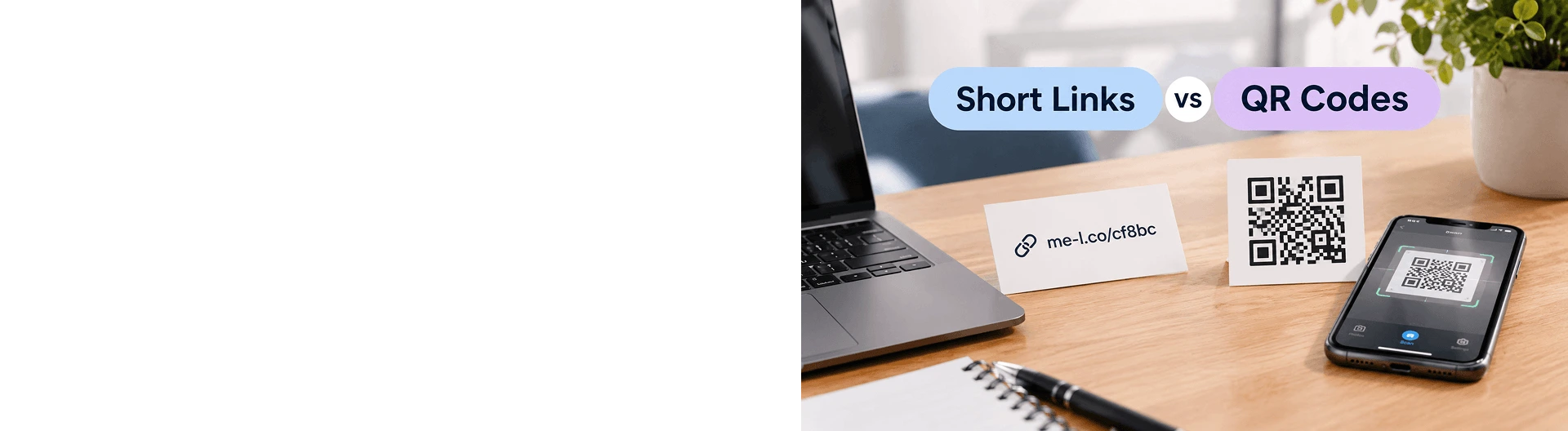

Short links and QR codes both make it easier to connect people with online content, but they work in different ways.
A short link is a compact URL that people can click, copy, type, or share. For example: https://me-l.co/cf8bc
A QR code is a scannable code that lets people open a URL using their phone camera or QR scanner.
The two formats are not necessarily alternatives. A QR code can use a short link as its destination, making them useful together for both online and offline campaigns.
What Is a Short Link?
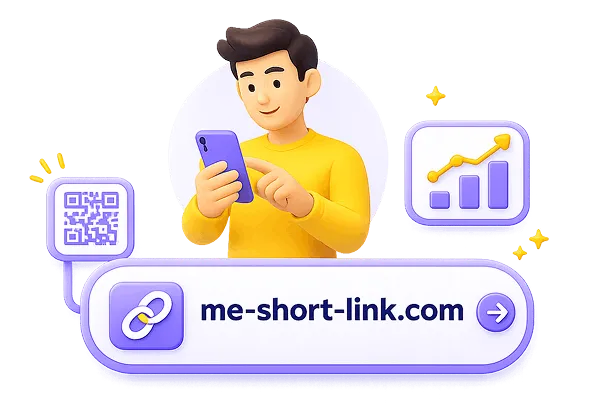
A short link is a shortened version of a longer URL.
For example, a long URL might look like: https://example.com/products/summer-collection?category=shoes
A short link can turn it into: https://me-l.co/summer-collection
The shorter URL takes up less space and is easier to share in emails, social media posts, messages, documents, and printed materials.
Short links can also provide additional functionality, such as link tracking and editable destinations.
For example, a short link can continue to use the same URL while its destination is updated later.
Where Can You Use Short Links?
Short links are useful whenever people need to access a URL directly.
Common examples include:
- Social media posts
- Email campaigns
- SMS messages
- WhatsApp and Telegram
- Online ads
- Presentations
- Documents
- Business cards
- Flyers and posters
- Product packaging
- Event materials
You can also create separate short links for different campaigns or channels and track their activity.

What Is a QR Code?
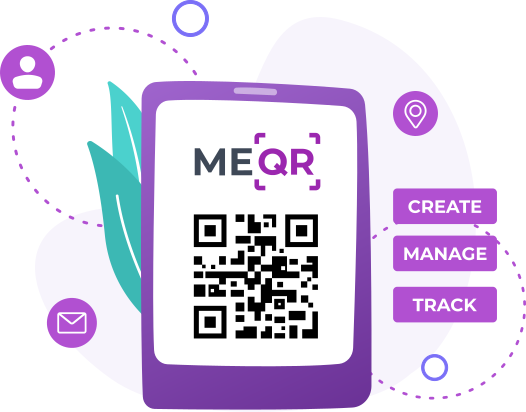
A QR code is a machine-readable code that stores information, often a URL.
Instead of typing or clicking a link, a person can scan the code with a smartphone and open the associated content.
For example:
QR code → website
A QR code can lead to:
- A website
- A landing page
- An online menu
- An event page
- A booking form
- Product information
- A social media profile
- A digital document
- An app download page
QR codes are particularly useful when the audience is interacting with a physical object rather than a clickable screen.
When to Use Short Links
Short links are a practical choice when your audience can click, copy, or type a URL.
Social Media
A short link can be added to posts, profiles, descriptions, or messages.
For example: https://me-l.co/cf8bc
is easier to share than a long URL with multiple parameters.
Short links can make email campaigns cleaner and easier to manage.
You can use different short links for newsletters, promotions, product announcements, and other campaigns.
Messaging
Short URLs work well in SMS and messaging apps such as WhatsApp or Telegram, where long URLs can make messages difficult to read.
Digital Advertising
Short links can be used in ads and other digital campaigns to provide compact, trackable destinations.
Business Cards
A short link can be printed directly on a business card when you want people to type or remember the URL.
When to Use QR Codes
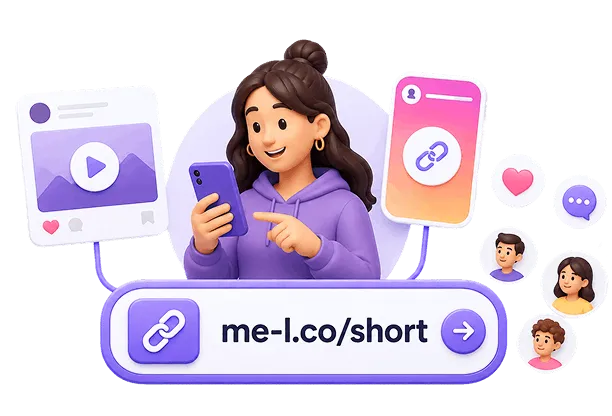
QR codes are especially useful when people are looking at something physical and need to access digital content from their phones.
Printed Materials
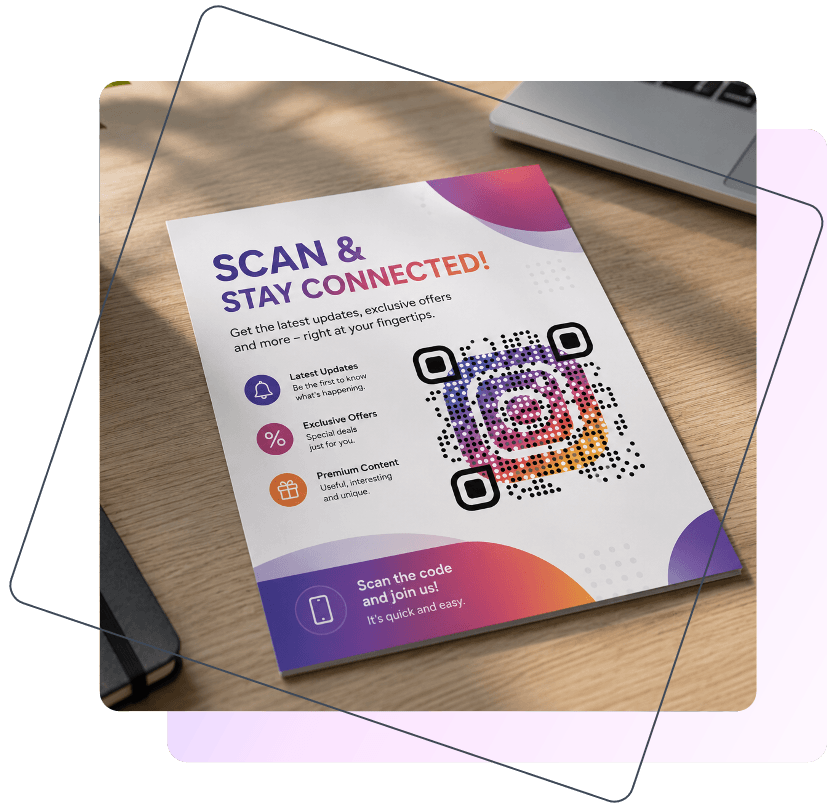
A QR code can connect a flyer, poster, brochure, or display to a website or campaign page.
For example:
Poster → QR code → Event registration
Restaurants and Menus
Restaurants can place QR codes on tables, menus, packaging, or signs to give customers quick access to a digital menu.
Events
Event organizers can use QR codes on posters, invitations, tickets, and venue displays to provide access to event information or registration.
Product Packaging
A QR code can connect packaging with product instructions, additional information, promotions, or support content.
In-Store Promotions
Retail businesses can place QR codes next to products or promotional displays to send customers to product pages, special offers, or additional information.
How Short Links and QR Codes Work Together
Short links and QR codes can complement each other.
A common workflow looks like this:
Long URL → Short link → QR code → Scan → Destination
For example: https://example.com/summer-sale?category=shoes
becomes: https://me-l.co/summer-sale
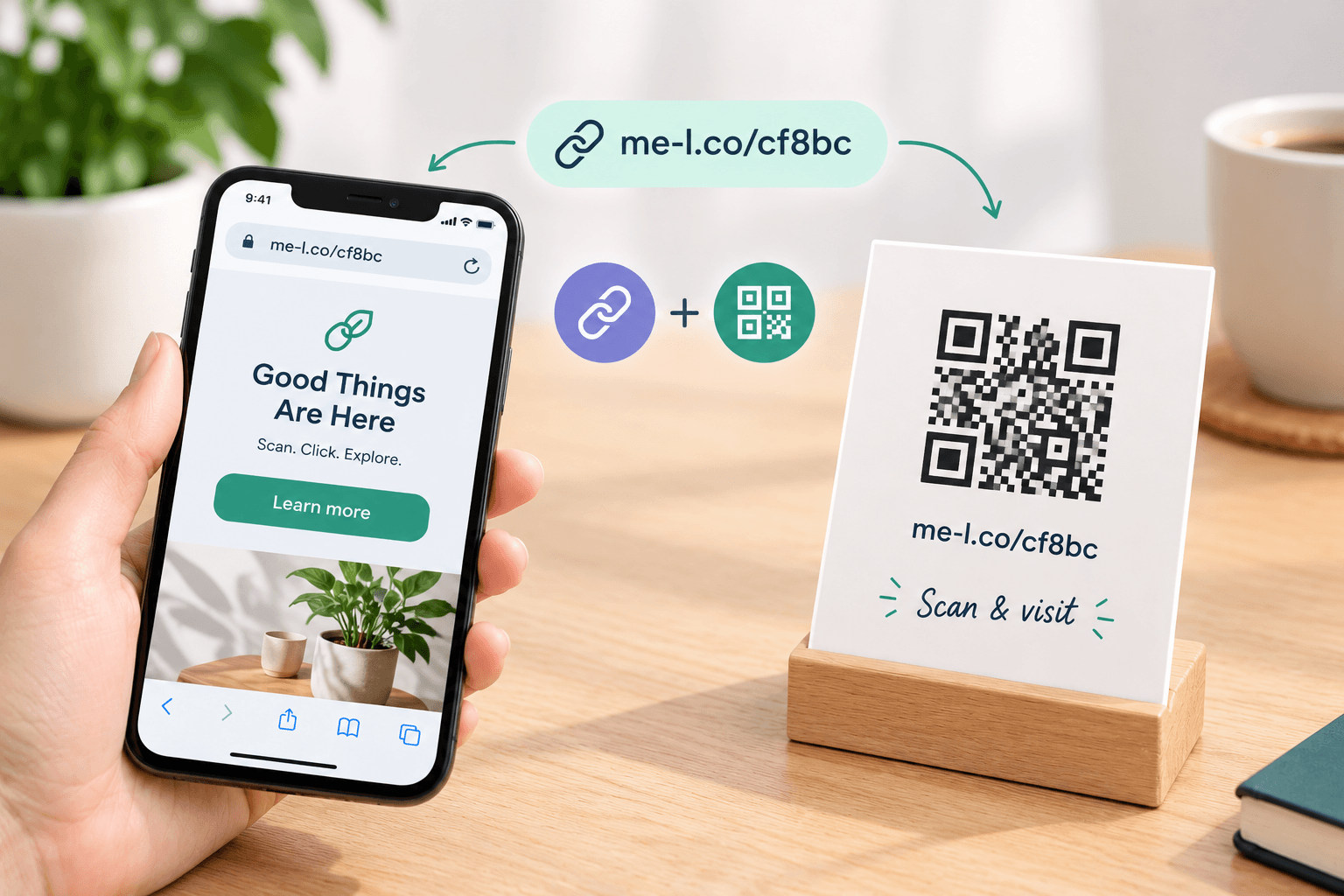
The short link is then used to create a QR code.
When someone scans the QR code, they are sent through the short link to the final destination.
Why Combine Them?
Using a short link behind a QR code can provide additional flexibility.
For example, suppose you print a QR code on 5,000 product packages.
- The QR code points to: https://me-l.co/cf8bc
- Today, the short link leads to: https://example.com/product-instructions
- Later, you may want it to lead to: https://example.com/product-support
If the short link is editable, you can update the destination without replacing the QR code already printed on the packaging.
This can be especially useful for materials that remain in circulation for a long time.
QR Codes Can Also Be Used with Trackable Short Links
A short link behind a QR code can also make it possible to monitor activity associated with the link.
For example:
Printed flyer → QR code → short link → landing page
This creates a connection between an offline campaign and online activity.
You can create a QR code for your short link using the QR Code Generator.
Short Links vs QR Codes
Short links and QR codes are different ways of connecting people with online content, and they can be used together in the same campaign.
A short link is a compact URL that people can click, copy, or type. ME-Short-Link creates short URLs using the me-l.co domain, such as: https://me-l.co/xxxxx
A QR code, on the other hand, is a scannable format that lets people open a URL using their smartphone.
For creating and managing QR codes, you can use ME-QR. It provides QR-focused tools for different types of content and use cases, including websites, multiple links, digital menus, events, business cards, product packaging, and marketing materials.
The two tools can complement each other. For example, you can use a short link as the destination of a QR code created with ME-QR:
Short link → QR code → online destination
This can be useful when you want the convenience of a QR code for offline audiences while keeping a manageable link behind it.
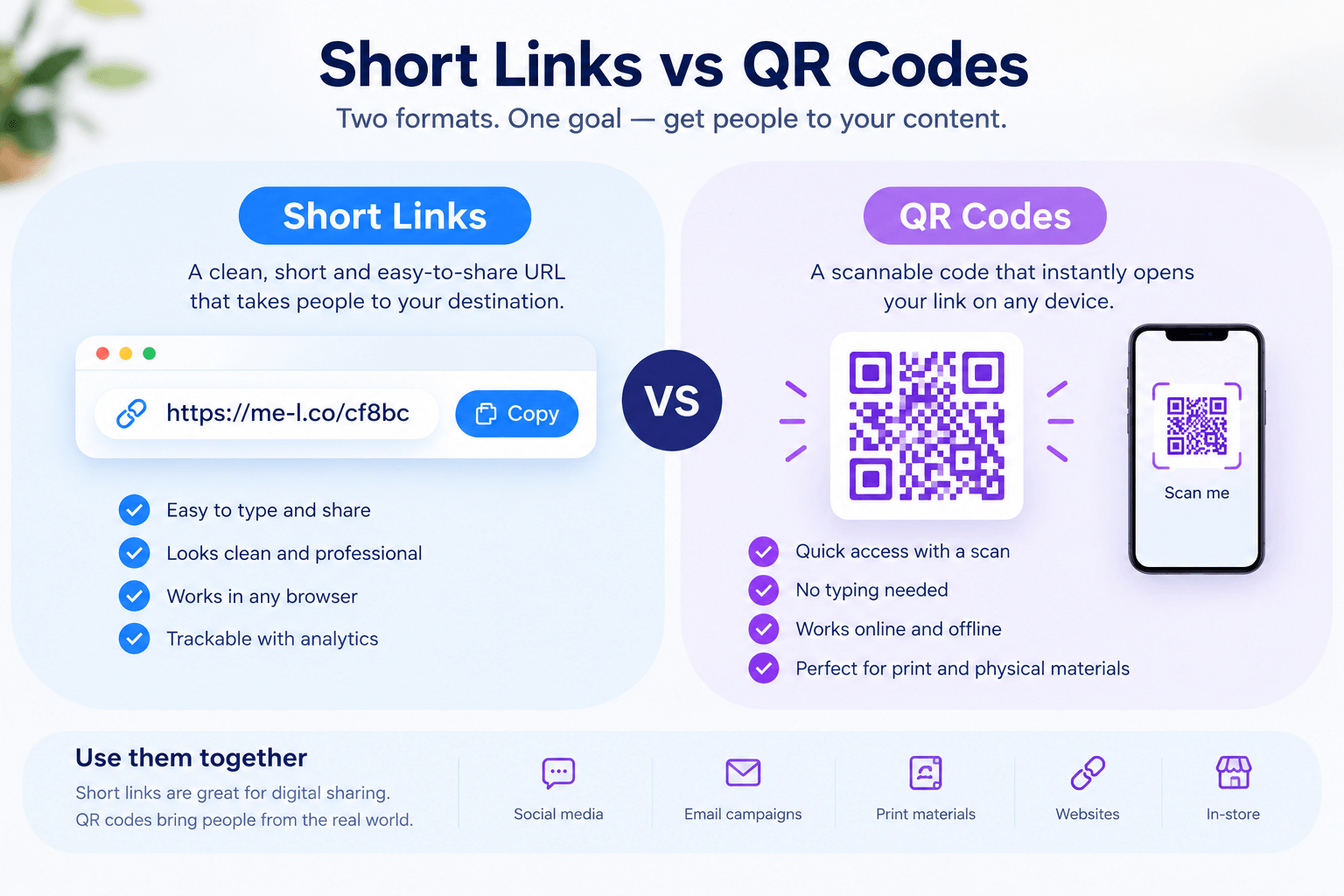
The right format depends on how people will interact with your content. For digital communication, a short link can be convenient to click and share. For physical materials, a QR code can provide a quick way to open the same or a different online destination.
Best Use Cases
Different situations call for different formats.
|
Use Case |
Recommended Format |
Example |
|
Email campaign |
Short link |
https://me-l.co/cf8bc |
|
Social media post |
Short link |
Product or campaign URL |
|
SMS promotion |
Short link |
Offer or booking page |
|
WhatsApp message |
Short link |
Event or product page |
|
Event poster |
QR code + short link |
Scan to register |
|
Restaurant table |
QR code + short link |
Scan to view menu |
|
Business card |
Short link or QR code |
Website or contact page |
|
Product packaging |
QR code + short link |
Instructions or support |
|
Flyer |
QR code + short link |
Campaign landing page |
|
In-store display |
QR code + short link |
Product information |
|
Presentation |
Short link or QR code |
Additional resources |
Digital-First Campaigns
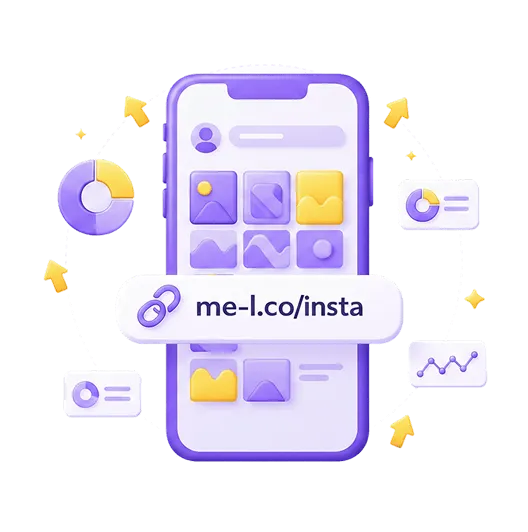
If your audience is already online, a short link is usually convenient because people can click it directly.
For example:
Instagram post → short link → landing page or: Email → short link → product page
Offline-First Campaigns
If your audience encounters your campaign in the physical world, a QR code provides a direct bridge to online content.
For example: Poster → QR code → event page or: Packaging → QR code → product instructions
Combined Online and Offline Campaigns
For campaigns that use both digital and physical channels, short links and QR codes can work together.
For example, a business could promote the same offer through:
- Email → short link
- Instagram → short link
- Flyer → QR code
- Store poster → QR code
- Product packaging → QR code
The same destination can be used across all these channels while different links or QR codes can help organize campaign activity.
Which Should You Use?
Short links and QR codes solve related but different problems.
Use a short link when people are already using a digital channel and can click, copy, or type the URL.
Use a QR code when people encounter your content on a physical surface and need a quick way to open a page on their phone.
And when you need to connect an offline campaign with a manageable online destination, use them together:
Short link → QR code → online destination
This approach can make printed campaigns easier to manage while also connecting offline interactions with online content.
Frequently Asked Questions
No. A short link is a compact URL, while a QR code is a scannable format that can contain a URL. A QR code can use a short link as its destination.


Was This Article Helpful?
Click on a star to rate it!
Thank you for your vote!

Average Rating: 5/5 Votes: 2
Be the first to rate this post!

Expert in backend development and database architecture. Specializes in building, optimizing, and maintaining scalable PHP applications, designing efficient database structures, and ensuring data integrity and performance. Experienced in working with relational databases, writing optimized queries, and integrating backend systems with APIs and business logic to support reliable, high-performance web solutions.
View LinkedIn Profile